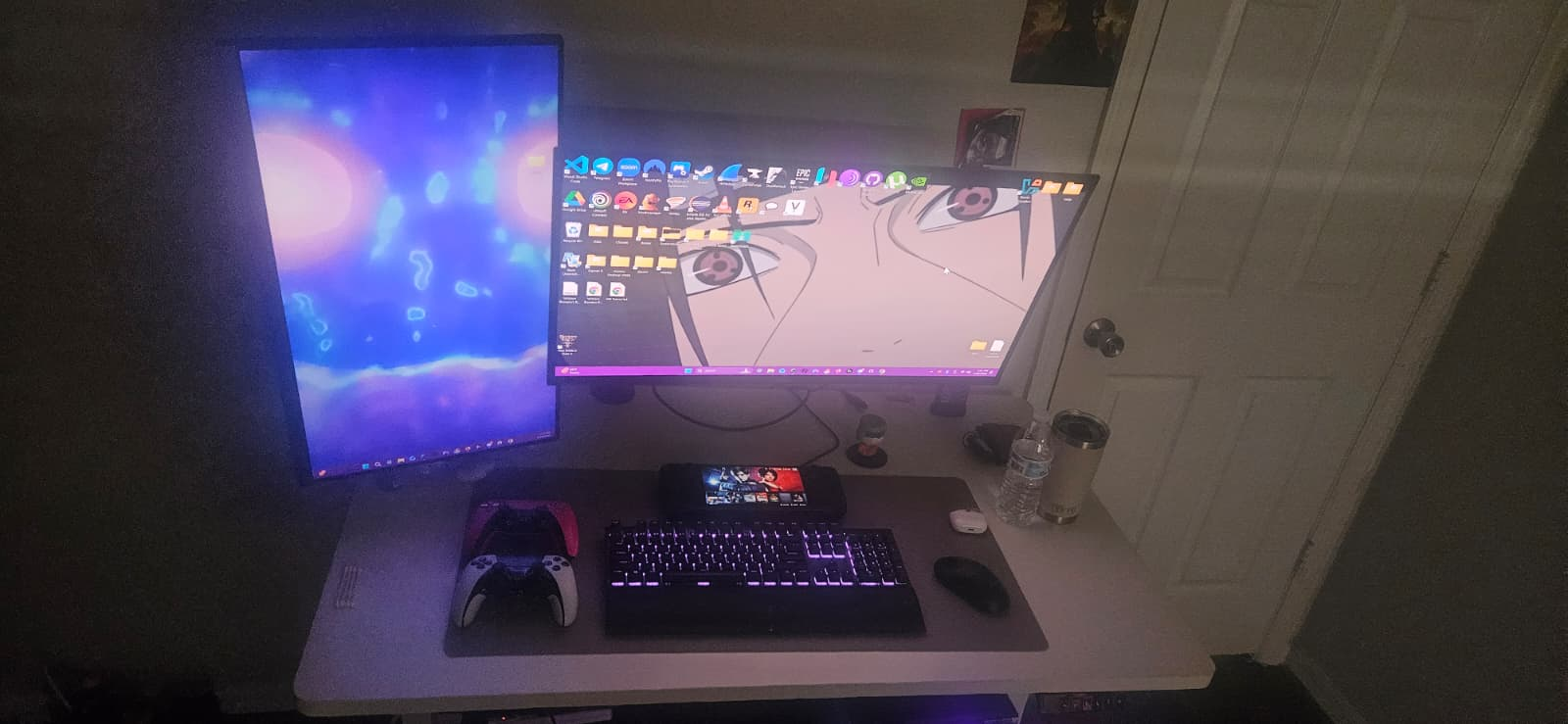
My PC Specifications
System Overview
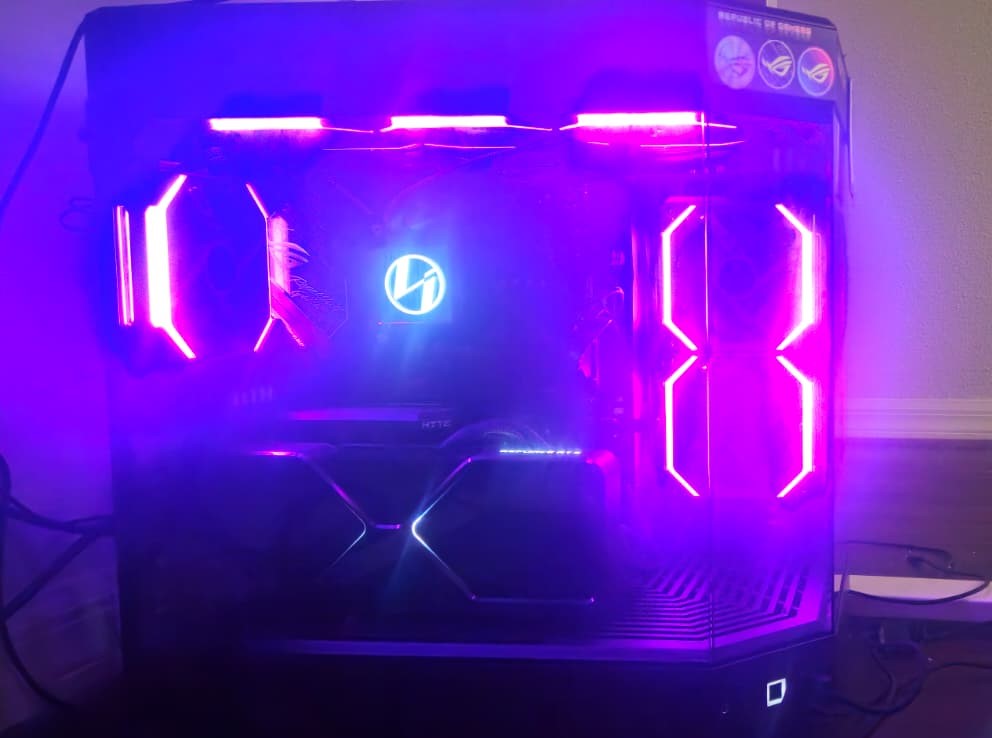
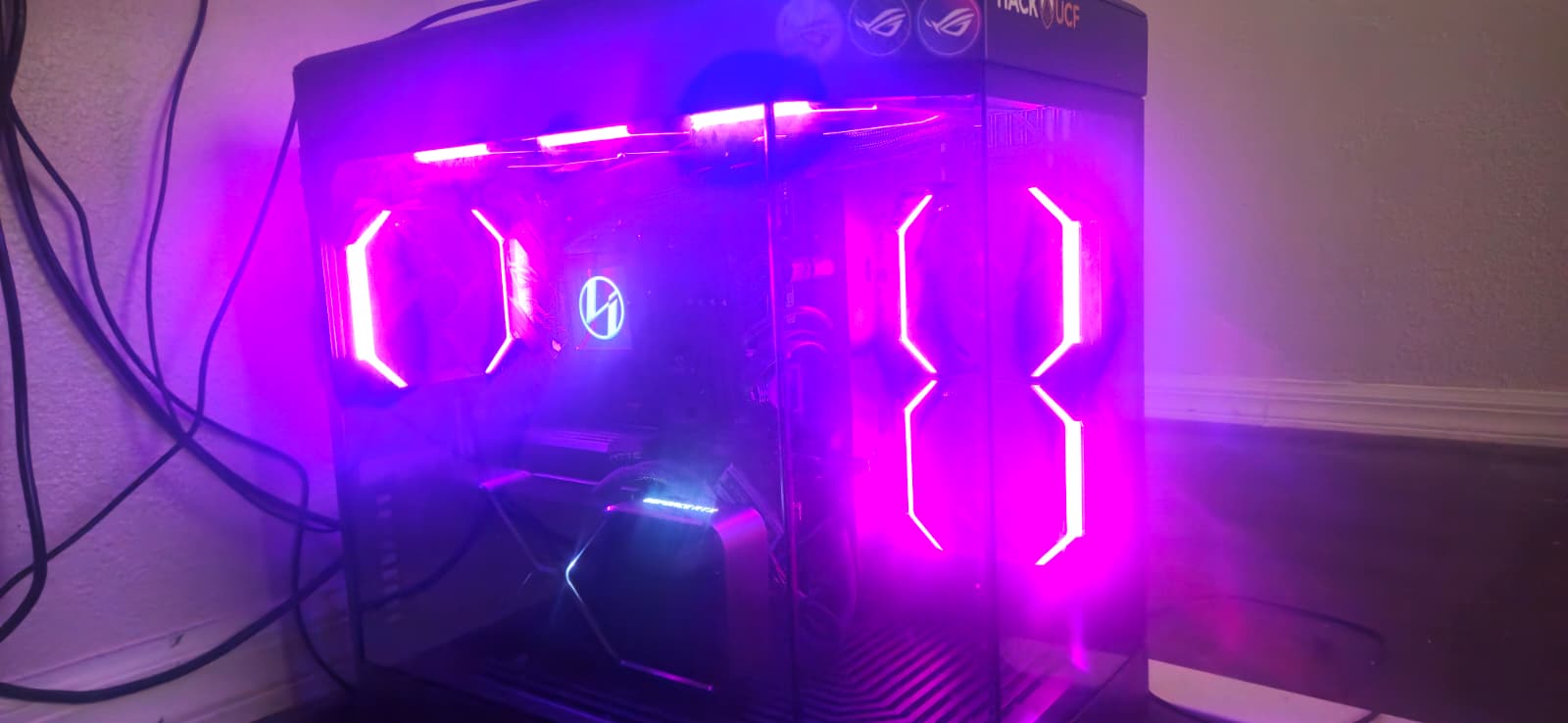
Specifications
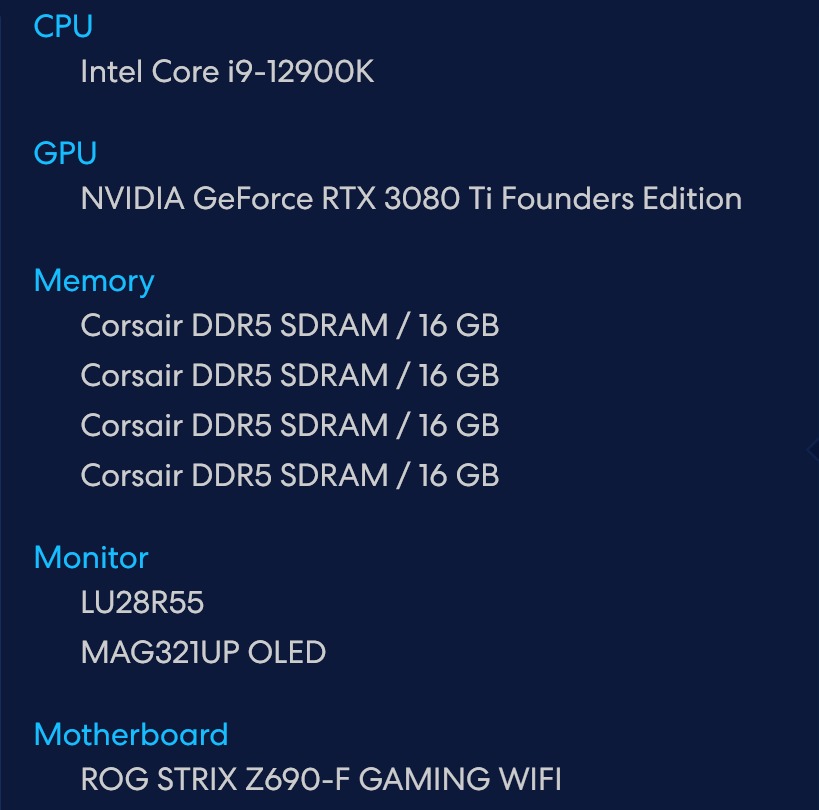
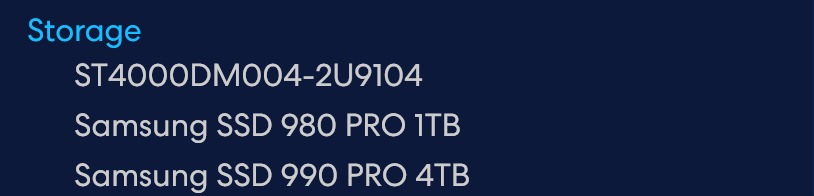
Case: Hyte Y60 Motherboard: ASUS ROG STRIX Z690-F GAMING WIFI CPU: Intel Core i9-12900K Cores: 16 Cores (8 Performance + 8 Efficient) / 24 Threads GPU: NVIDIA GeForce RTX 3080 Ti Founders Edition VRAM: 12GB GDDR6X RAM: 64GB Corsair DDR5 SDRAM 4×16GB DDR5 @ 4800MHz Storage: Samsung SSD 990 PRO 4TB (PCIe 4.0) Samsung SSD 980 PRO 1TB (PCIe 4.0) Seagate ST4000DM004 4TB HDD (7200 RPM) OS: Windows 11 Pro Ubuntu Linux (Dual Boot) RGB Ecosystem: Fully synced Lian Li UNI FAN SL-INF RGB with L-Connect 3 software Asus Armoury Crate
COOLING: Lian Li Galahad II LCD Trinity Performance 360mm AIO (Lian Li HydroShift)
- Bottom Intake: 2x Be Quiet Silent Wings 4 140mm PWM fans (airflow optimized)
- Top Exhaust: 3x Lian Li UNI FAN SL-INF 120mm RGB fans on radiator
- Rear Exhaust: 1x Lian Li UNI FAN SL-INF 120mm RGB fan
- Side Exhaust: 2x Lian Li UNI FAN SL-INF 120mm RGB fans # COOLING STRATEGY:
- Bottom Be Quiet fans provide silent, high-airflow intake
- Top AIO radiator with Lian Li fans (efficient heat dissipation)
- Multi-directional exhaust (optimal component cooling)
PC AIRFLOW CONFIGURATION (TOP VIEW)
==================================

+----------------------------------------------+
|                                              |
|   TOP: 3x Lian Li 120mm RGB                  |
|   360mm AIO Radiator                         |
|   Exhaust (Down)                             |
|                                              |
|  +---------------+        +---------------+  |
|  | REAR: 1x 120mm| <------| SIDE: 2x 120mm|  |
|  | Lian Li RGB   |        | Lian Li RGB   |  |
|  | Exhaust (Left)|        |Exhaust (Right)|  |
|  +---------------+        +---------------+  |
|                                              |
|   BOTTOM: 2x Be Quiet 140mm                  |
|   High-Airflow Intake (Up)                   |
|                                              |
+----------------------------------------------+

Legend:
Up = Intake | Left / Right / Down = Exhaust
Usage
- Running multiple virtual machines simultaneously for security labs
- Network analysis with Wireshark for packet inspection
- Gaming/Modding (Remote gaming access when away from home)
- Firewall configuration and network security testing
- Full-stack development environments (VS Code, Python IDLE, Eclipse IDE)
Set Up